
TL;DR: You can now opt in to receive a daily email reminder to review your kids’ Mac screenshots, only on the days they’re actually active, so you never fall behind.
The Gertrude Mac app takes screenshots of your kids' computer activity, which is amazing for safety and accountability, but it is easy to forget or fall behind on reviewing them. Keeping up a regular review habit is really important, even if you don't review every single image.
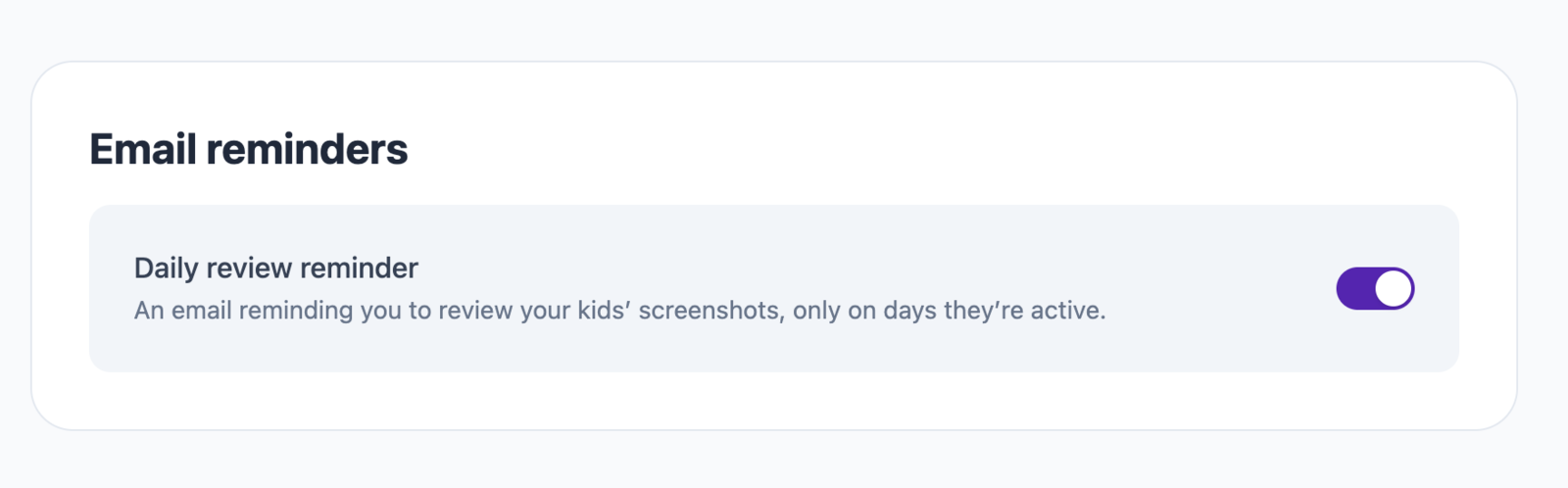
To help parents with this, we've just added a new feature that allows you to opt in to receive a daily email nudge when you have new and unreviewed screenshots. It's only sent on days when there are new screenshots to review, so you won't get nagged on quiet days or when you're already all caught up.
To get started, go to the parents dashboard, click on Settings, then find the Email reminders section, and turn on the daily review reminder.
I still use the Gertrude Mac app with my own kids on a daily basis, and I make it a regular point to occasionally mention something I've seen in a screenshot recently. I do this very intentionally, so that they always have it in their heads that I do actually review their screenshots. Once a week or so, make a benign comment about something in a screenshot, like: "Hey Dale, what was that weird hat your math teacher was wearing yesterday?" It goes a long way towards their keeping in mind that their computer activity is being watched, and kids tend to self-regulate way better when they know that.

The Gertrude mac app helps you protect your kids online with strict internet filtering that you can manage from your own computer or phone, plus remote monitoring of screenshots and keylogging. $10/mo, with a 21 day free trial.
Start free trial