
New Feature: Daily Screenshot Review Email
Gertrude can now send you a daily email reminder to review your kids’ Mac screenshots — only on the days they’re actually active, so you keep up your review habit without getting nagged on quiet days.
- Platform
- macOS
 Gertrude for Mac
TL;DR: You can now opt in to receive a daily email reminder to review your kids’ Mac screenshots, only on the days they’re actually active, so you never fall behind.
The problem
The Gertrude Mac app takes screenshots of your kids' computer activity, which is amazing for safety and accountability, but it is easy to forget or fall behind on reviewing them. Keeping up a regular review habit is really important, even if you don't review every single image.
New Feature Daily review reminders
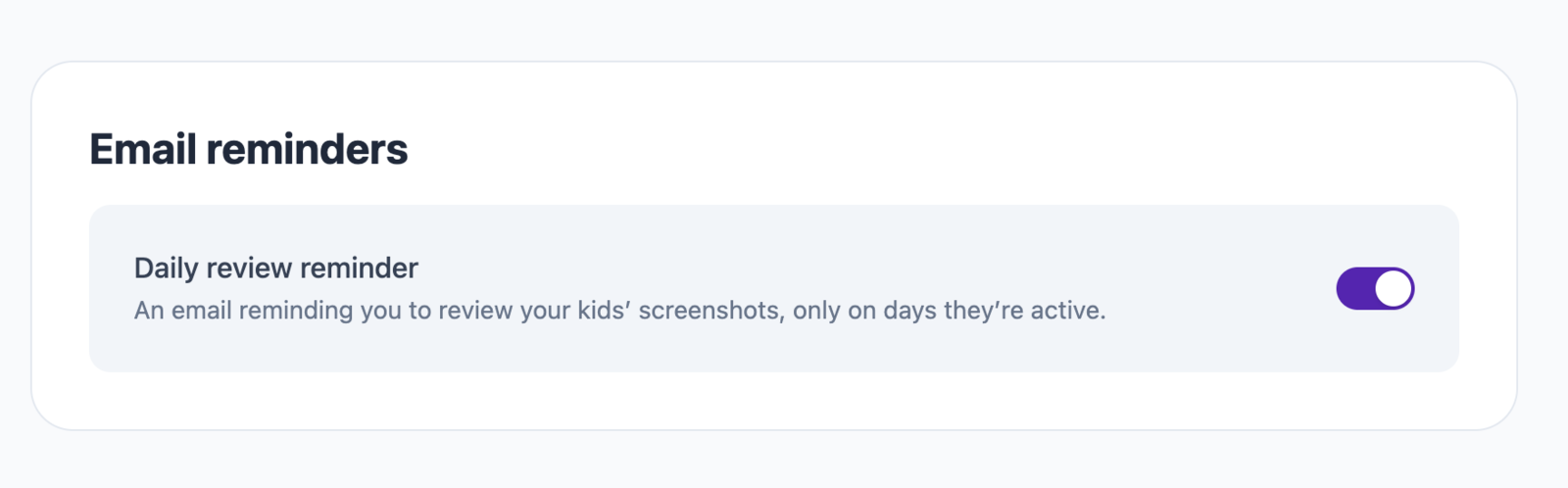
To help parents with this, we've just added a new feature that allows you to opt in to receive a daily email nudge when you have new and unreviewed screenshots. It's only sent on days when there are new screenshots to review, so you won't get nagged on quiet days or when you're already all caught up.
To get started, go to the parents dashboard, click on Settings, then find the Email reminders section, and turn on the daily review reminder.